Say what you want,
get the thumbnail.
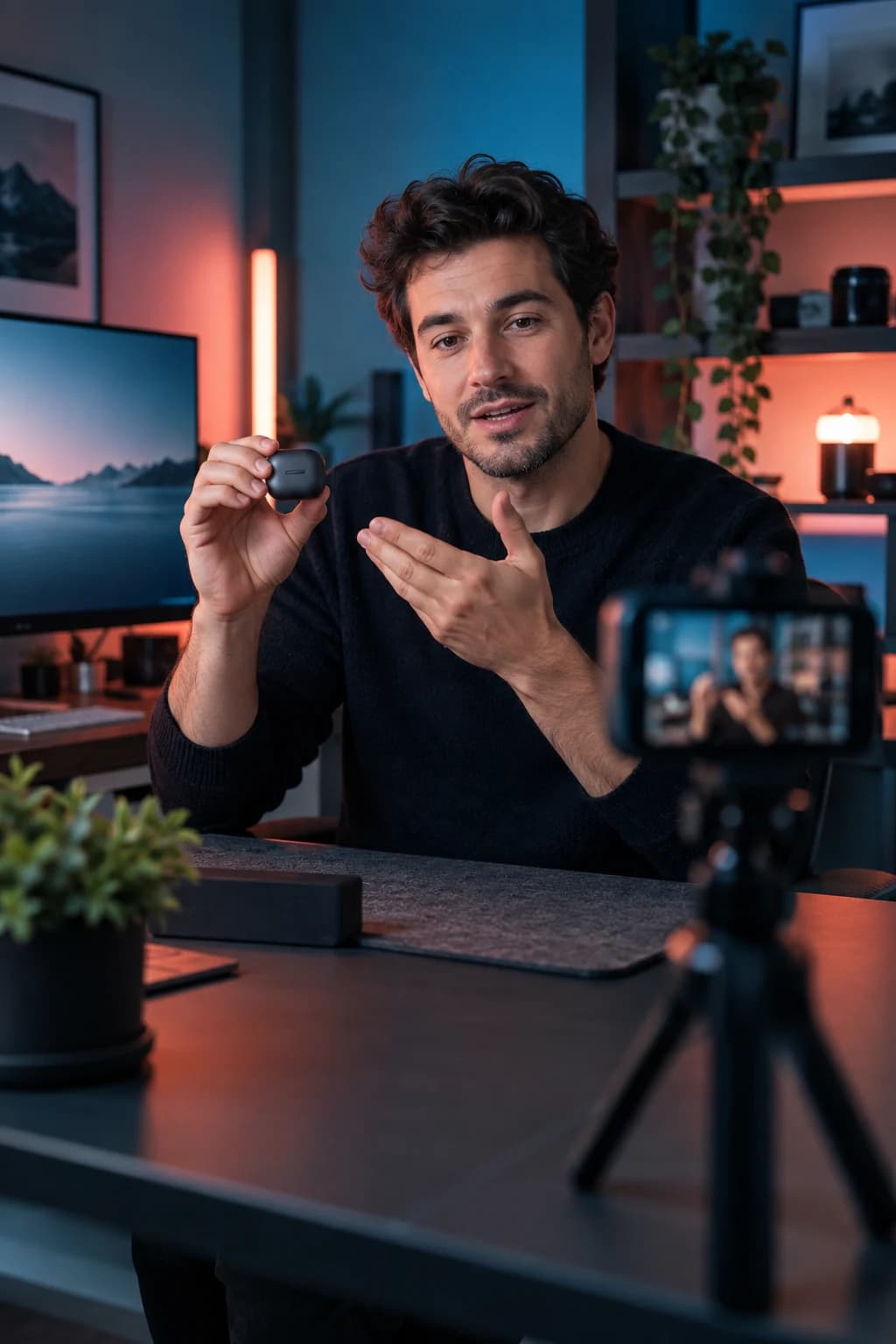
Start from a YouTube link, your photo or a frame of your video and write right on the image. Pick a template, add graphics and free stock photos, or just tell the AI what you want, by voice or text, and it builds the whole thumbnail. Then change anything by hand.
- 26ready templates
- 63graphics and arrows
- 28text looks
- 8networks' sizes
Less work,
more videos posted.
Design apps take an hour for one thumbnail.
Say "bigger text, a red arrow at my face" and it's done.
Every network wants a different size.
YouTube, Shorts, TikTok, Reels, Instagram, X, Pinterest and podcast sizes, one click apart.
You never know if it reads at phone size.
Check it in YouTube's feed, search and phone with the free thumbnail preview.
Three steps,
a few minutes.
- 1
Start from anything
A YouTube link, a photo of you or a frame of your video.
- 2
Build it
Pick one of 26 templates or ask the AI, by voice or text, to make the whole design.
- 3
Fine-tune and download
Move, resize and recolor anything, then download for each network.
Edit by talking
Changes and whole designs from your own words, spoken or written.
Text that reads
28 text looks with outlines, shadows and 3D, made to read at thumbnail size.
Graphics and emojis
63 graphics, arrows and shapes, 486 emojis and free stock photos one click away.
Saved in your account
Every thumbnail stays in your account, ready to open and change.
One app,
from idea to post.
- AI video editorA raw take in, a finished video out.
- AI clip generatorLong video in, short clips out.
- Auto captionsCaptions that keep people watching.
- AI dubbingYour video, in other languages.
- AI PhotoshootOne photo in, a whole photo shoot out.
- Video ideasKnow what to post, before you record.
Comparing tools? See how Felvero compares with Opus Clip, Submagic, CapCut and others
Is the thumbnail maker free?
Making thumbnails by hand is free, with no account, on the free thumbnail maker. The AI that builds and changes designs from your words comes with any paid plan.
What size is a YouTube thumbnail?
1280×720 pixels (16:9). The editor sets the right size for each network for you.
Can I use a photo of myself?
Yes. Upload a photo, or cut yourself out first with the free background remover so you sit over any background.
How much does it cost?
Start free with 20 minutes and no card. Paid plans start at $15 a month for 150 minutes of video, and unused minutes roll over for a month.