Long video in,
short clips out.
Upload a podcast, live, class or interview of up to three hours. Felvero reads all of it, picks the moments that work on their own, frames them vertical with captions and scores each one from 1 to 100, so you know which to post first.
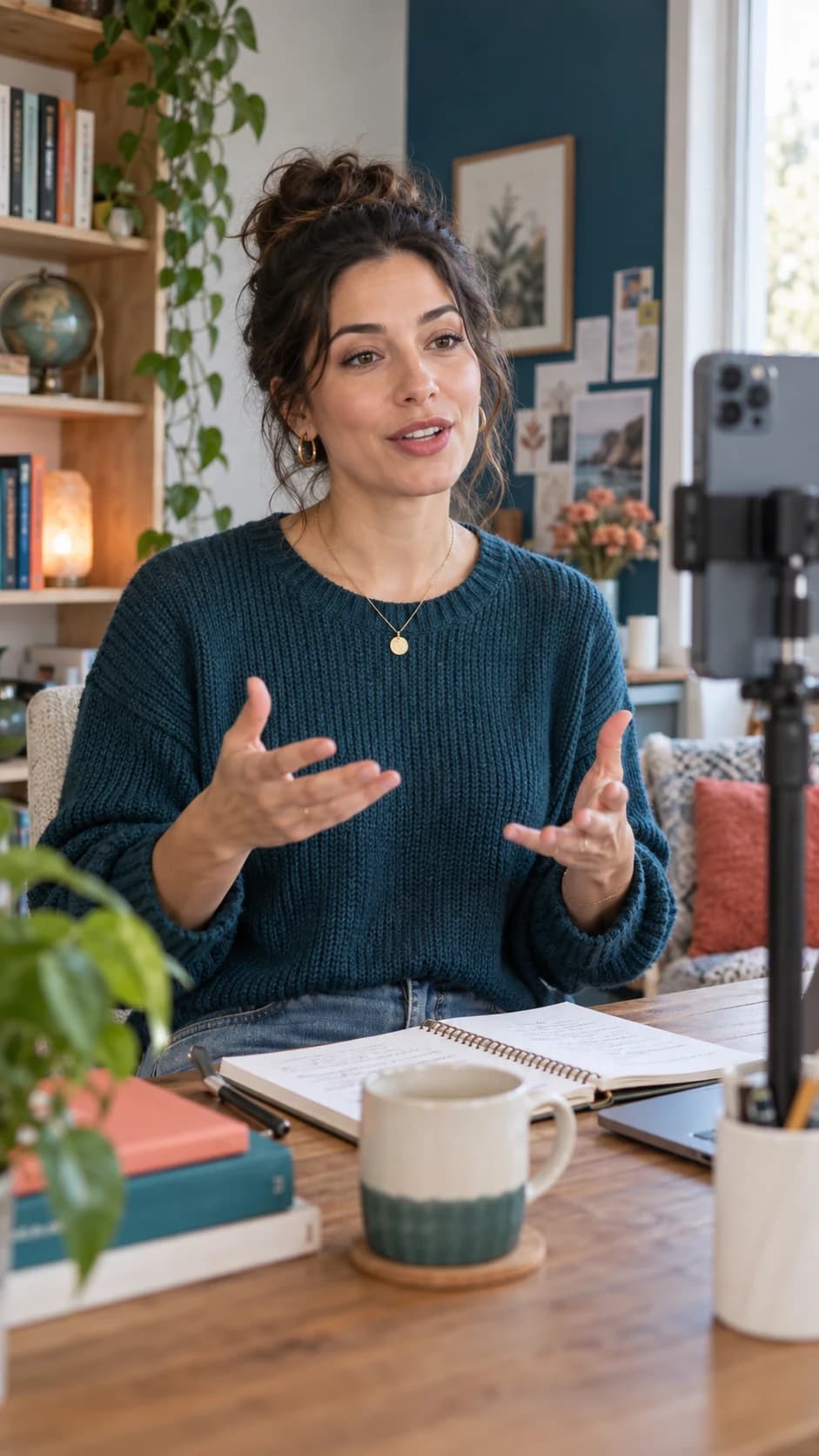
 94
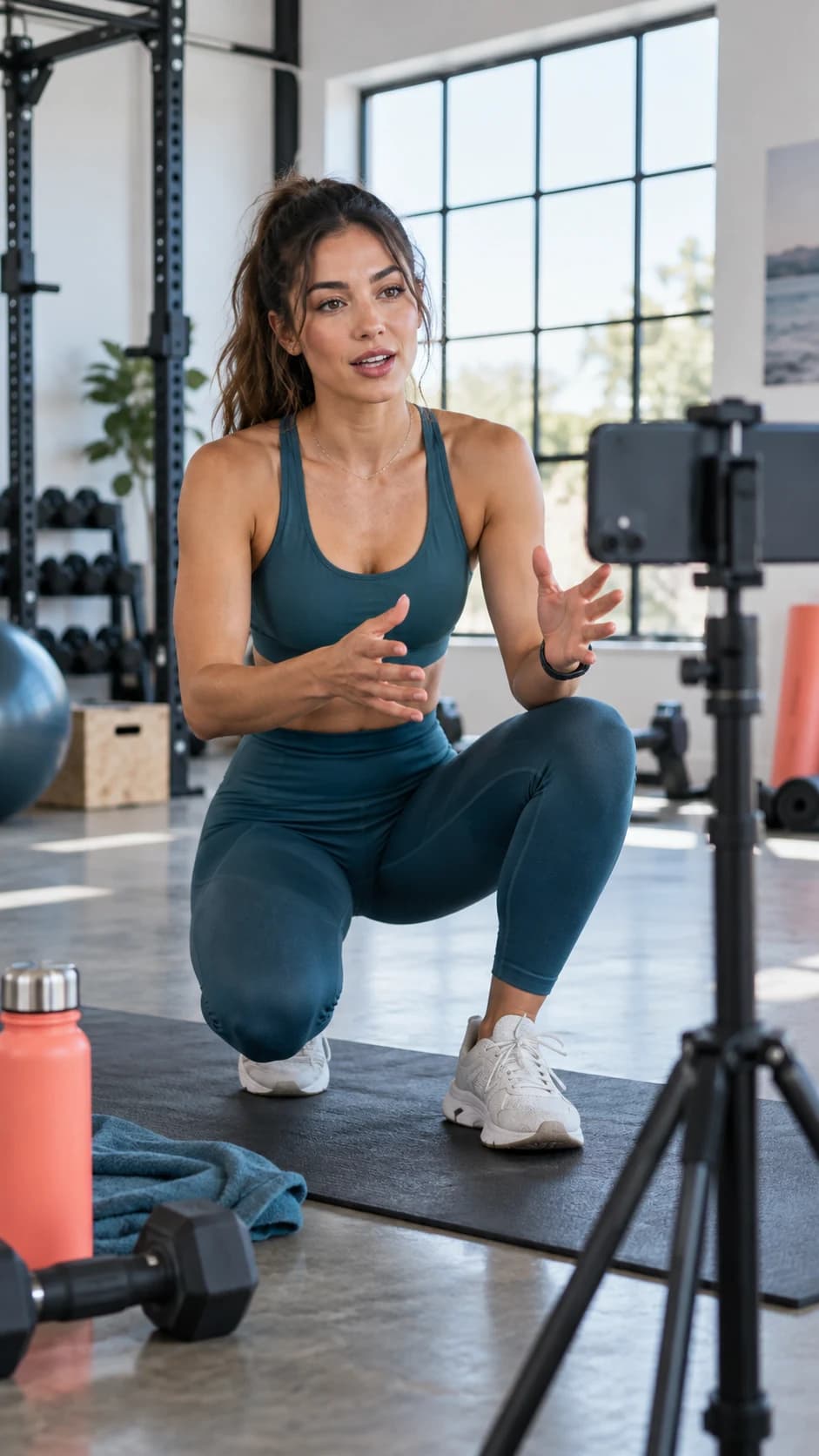
 89
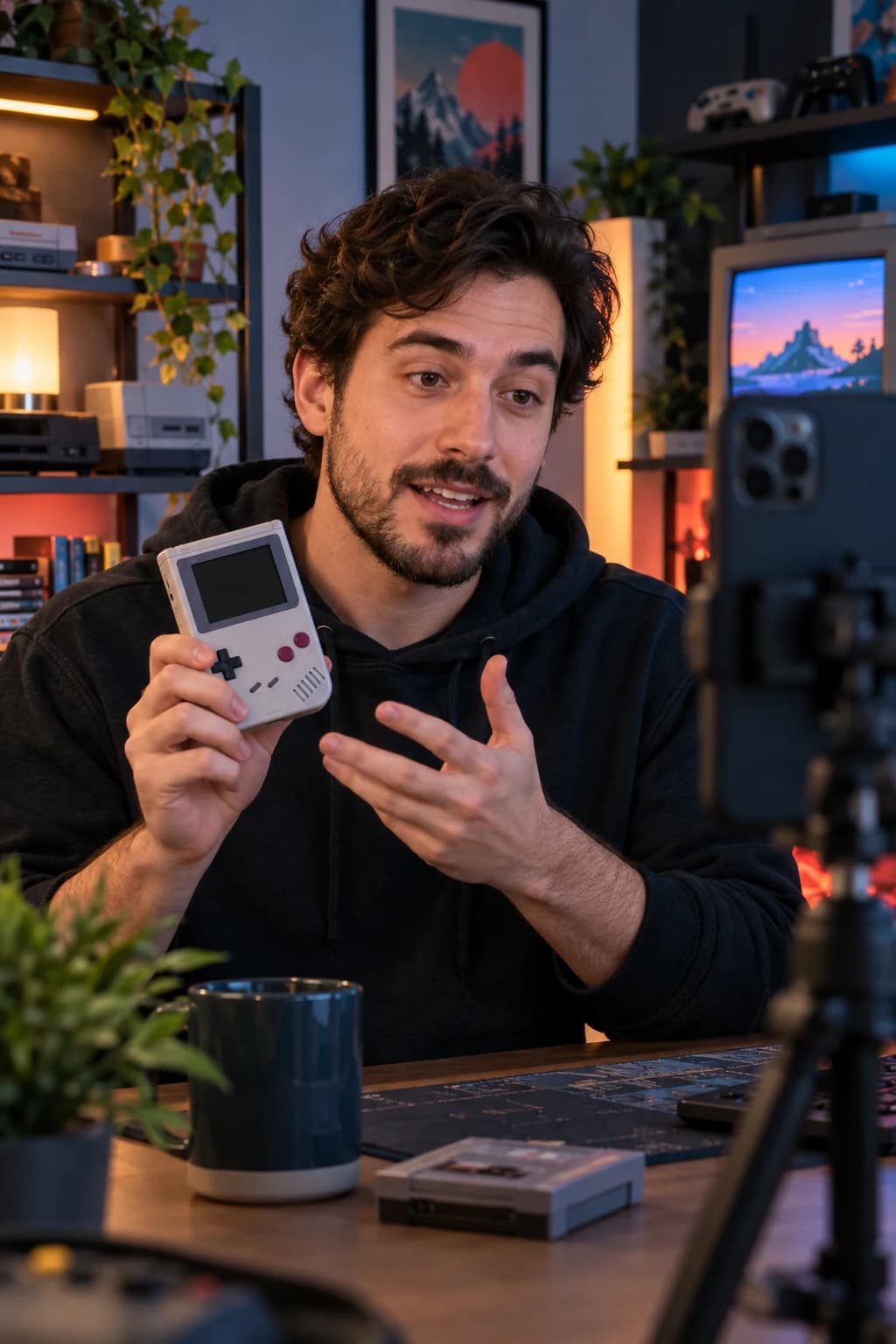 86
 81
- 15clips from each video
- 3 hvideos up to three hours
- 1–100a score for every clip
- 10 → 110 minutes of video use 1 minute
Less work,
more videos posted.
Watching a two-hour live to find the good parts takes an afternoon.
AI reads the whole transcript and picks the moments with a strong opening and a complete thought.
Clips that start mid-sentence get skipped.
Each clip starts on a hook and ends when the thought ends.
Clipping long videos eats your minutes.
A long video uses a tenth of its length: an hour of podcast uses 6 minutes of your balance.
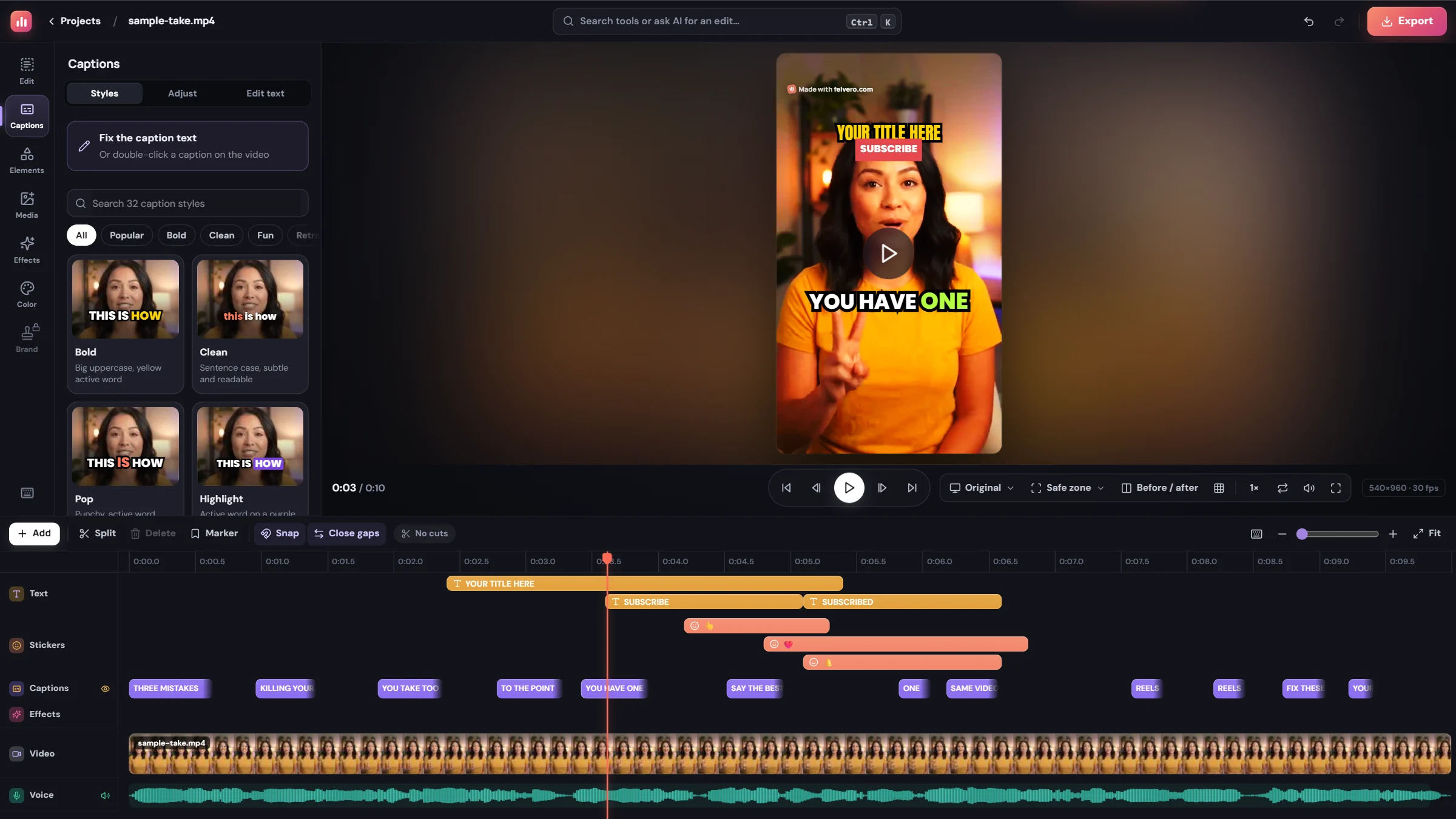
Every clip opens in the editor.
Change it by talking.
Say or write what you want: a tighter start, bigger captions, a subscribe button at the end. It lands on the clip right away, and one Undo takes it back.
Three steps,
a few minutes.
- 1
Upload the long video
Send the file or paste a Google Drive, Dropbox or OneDrive link.
- 2
Pick the clip length
Under 30 seconds, 30 to 60 seconds, up to 3 minutes, or horizontal 1 to 3 minutes for YouTube.
- 3
Review and post
Each clip comes scored, with captions, a title and hashtags. Fix any of them in the editor.
A highlights Short
The best moments of the whole video, one after another, in a single Short.
Follows who is talking
On Pro, the frame cuts to whoever speaks, or splits the screen for interviews and podcasts.
Chapters and summary
YouTube chapters and a summary for the full video, ready to paste.
Made for clip channels
Cut many long videos a week, each channel with its own brand kit.
One app,
from idea to post.
- AI video editorA raw take in, a finished video out.
- Auto captionsCaptions that keep people watching.
- AI dubbingYour video, in other languages.
Comparing tools? See how Felvero compares with Opus Clip, Submagic, CapCut and others
How many clips do I get from each video?
Up to 15 from each long video, with no extra minutes. You can cut more by hand in the editor.
How are minutes counted for long videos?
Videos of 10 minutes or more use a tenth of their length: a 60-minute podcast uses 6 minutes of your balance. Shorter videos count minute for minute.
Can I paste a YouTube link?
No. Upload the file or paste a Google Drive, Dropbox or OneDrive link. Felvero does not download videos from YouTube.
Can I clip other people's videos?
Only with the owner's permission. Clipping someone else's videos without it can lead to copyright claims and to channels being demonetized.
How much does it cost?
Start free with 20 minutes and no card. Paid plans start at $15 a month for 150 minutes of video, and unused minutes roll over for a month.